
AI Scheduling Assistant: Best Proven Tools to Fix Chaos
⏱️ Estimated Reading Time: 9 minutes
The best AI scheduling assistant for 2026—Motion vs Reclaim compared. Find your fit and take back your week. Compare now.
Monday morning. You open your calendar and it looks like a game of Tetris — back-to-back calls, a deadline you haven’t touched, and somewhere between the meetings, actual work was supposed to happen. You’re not disorganized. You’re just still managing your time manually. The right AI scheduling assistant changes that fast, and in 2026, several tools are competing hard for that job. Motion and Reclaim, each approach the problem differently — and picking the wrong one could make your calendar more chaotic, not less.
This breakdown covers what each tool actually does, where each one falls short, and which fits your specific situation. Whether you’re a solo freelancer trying to protect deep work blocks, an employee drowning in internal meetings, or a busy parent squeezing side-project time into a packed week — there’s a tool here built for your problem. The goal isn’t to find the most impressive tool. It’s to find the one you’ll actually use.
Why Your Calendar Is Broken (And Why It's Not Your Fault)
Most busy professionals aren’t bad at their jobs — they’re managing their time in a system that was never designed for knowledge work.
Calendar fragmentation is the term researchers use for what happens when your day gets sliced into 20 and 30-minute gaps between meetings. None of those windows are long enough to do meaningful work. You have eight free slots in a day but not one of them is two hours long. The important project keeps getting pushed. The creative or income-generating work never gets a real foothold.
This is the exact problem AI scheduling assistants are designed to solve. Not just meeting booking — protecting the time you need to actually build things.
Why This Problem Is Getting Worse in 2026
The average knowledge worker loses multiple hours per week to calendar fragmentation alone, according to data published by Harvard Business Review. Meetings that could be emails, reactive Slack threads, and late-booking requests all chip away at the uninterrupted blocks that produce real output.
If you’re building any kind of income stack on the side — consulting, digital products, content, freelance work — your available hours are already limited. You don’t have eight hours for a side project. You have 45 minutes here and an hour there. Every slot needs to count.
What an AI Scheduling Assistant Actually Does
An AI scheduling assistant is software that automatically allocates your time — tasks, focus blocks, habits, and meetings — based on your priorities, deadlines, and working patterns.
At the basic level, these tools protect your focus time by blocking it off so meetings can’t swarm your day. At the advanced level (where Motion lives), the AI actively rebuilds your entire schedule every time something changes — reshuffling tasks around new meetings, flagging at-risk deadlines, and keeping your day executable rather than aspirational.
The Core Problem None of Them Can Solve Alone
No AI scheduling assistant can discover what you need to do. It can only schedule what you tell it. If your tasks live in your inbox, your Slack, or a sticky note on your monitor — you’ll still need to translate those into the tool manually. This is the friction point most people underestimate before committing to a paid plan.
Fix your task capture system first. Then let the AI optimize it.
Motion vs Reclaim: The Real Differences
These tools are often compared side-by-side, but they’re solving meaningfully different problems. Here’s how they actually stack up.
Motion — The AI Calendar That Replaces Your Existing Setup
Motion is the most fully featured option in this space — and the most misunderstood. Most people assume Motion is a layer on top of their existing calendar. It’s not. It replaces it.
You feed Motion your tasks with deadlines and estimated durations. Its algorithm finds the optimal time slot for each one based on your working hours, buffer preferences, and existing commitments. When a meeting gets added, Motion automatically reshuffles your entire task queue around it — in seconds. Think of it as a personal assistant who re-plans your whole day every time something moves.
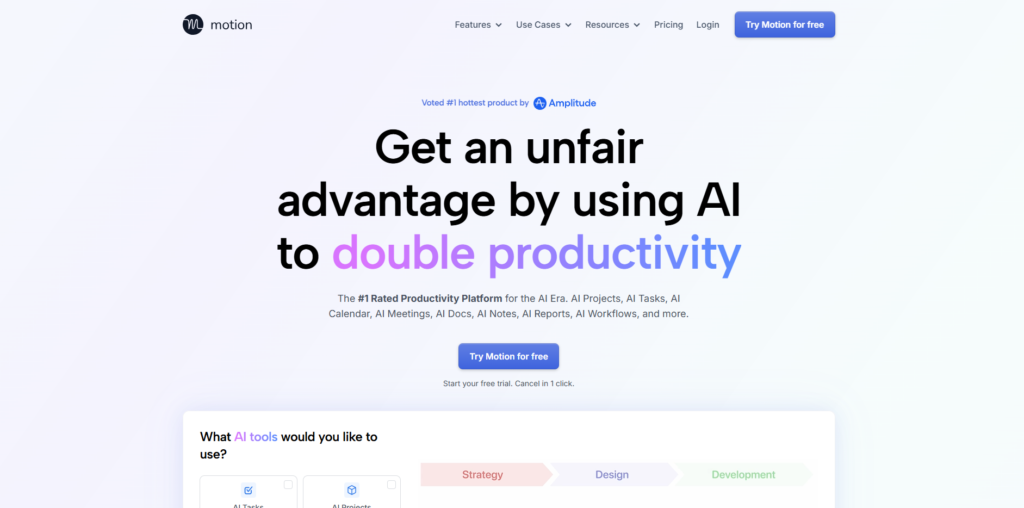
What Motion does well:
- Auto-scheduling with deadline awareness. If a 3-hour task is due Friday and Thursday is packed, Motion starts scheduling it from Wednesday — and flags if something is at risk.
- Focus time protection. Task blocks show as “busy” to anyone trying to book a meeting with you.
- AI Employees. A newer feature that lets you delegate repetitive workflows to AI agents — well beyond simple scheduling.
- Built-in meeting scheduler. Functions like a smarter, more integrated version of Calendly. When someone books, your tasks reshuffle automatically around it.
- Mobile app with Siri integration on iOS — you can voice-add tasks on the go.
Where Motion falls short:
Motion only knows what you tell it. It cannot read your email or pull tasks from Slack. If your workload lives in those places, the translation step is real friction — and it’s worth planning for before you subscribe.
Pricing at time of writing: approximately $19/month for Pro AI and $29/month for Business AI. Always verify current pricing on Motion’s website before committing.
Best fit:
Solo professionals, freelancers, and small business owners who have a clear task list but a fragmented, reactive calendar.
Reclaim AI — The Time Defender That Layers Onto What You Already Use
Reclaim AI takes a fundamentally different approach — and the distinction matters.
Reclaim doesn’t replace your calendar. It sits on top of your existing Google Calendar or Outlook and defends your time from the inside.
You keep using the calendar you already know. Reclaim adds intelligent protection around your habits, focus blocks, and task slots — and it moves them automatically when meetings invade.
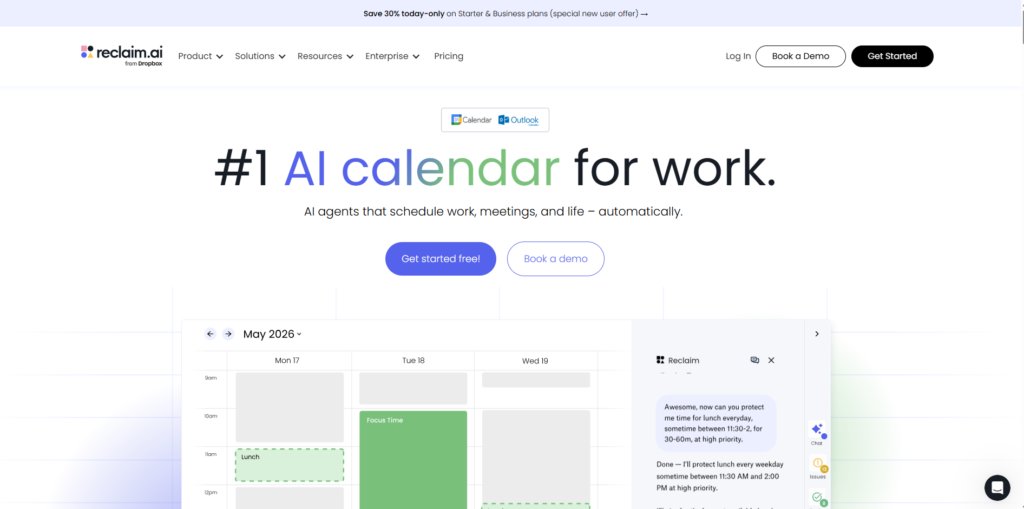
What Reclaim does well:
- Habit scheduling. Tell Reclaim “I want to write every day for one hour” and it finds the best slot, then moves it when meetings get in the way — automatically.
- Focus time blocks. It creates and defends deep work blocks so your calendar doesn’t get swallowed by reactive bookings.
- Task integrations. Reclaim connects with Asana, ClickUp, Linear, and Jira — pulling tasks directly from those tools and scheduling them without manual input.
- Genuinely useful free plan. The free tier provides real functionality, not a crippled trial.
Where Reclaim falls short:
No mobile app at time of writing. Task management is more basic than Motion. The meeting booking link offers limited customization compared to a dedicated scheduling tool.
Paid plans have ranged from approximately $8–$18/month depending on team size — confirm current pricing on Reclaim’s website (opens in new tab) before subscribing.
Best fit:
Employees at larger organizations who need to protect focus time from internal meetings, and individuals who want AI habit scheduling without switching away from their existing calendar.
The Full Comparison: Motion vs Reclaim
Feature | Motion | Reclaim |
Replaces your calendar | ✅ Yes | ❌ No |
Auto-schedules tasks | ✅ Full AI | ✅ Basic |
Habit scheduling | ✅ Yes | ✅ Yes |
Focus time protection | ✅ Yes | ✅ Yes |
Mobile app | ✅ iOS + Android | ❌ No |
Meeting scheduler built-in | ✅ Advanced | ✅ Basic |
Team features | ✅ Strong | ✅ Medium |
Starting price (approx.) | ~$19/month | Free–~$8/month |
Best for | Solo & small teams | Individuals in large orgs |
Pricing is approximate at time of writing. Always verify on each tool’s website before purchasing.
Other Scheduling Tools Worth Knowing
These three tools handle meeting booking only — they don’t manage your workload or auto-schedule tasks. But they’re worth knowing if your only pain point is letting people book time with you.
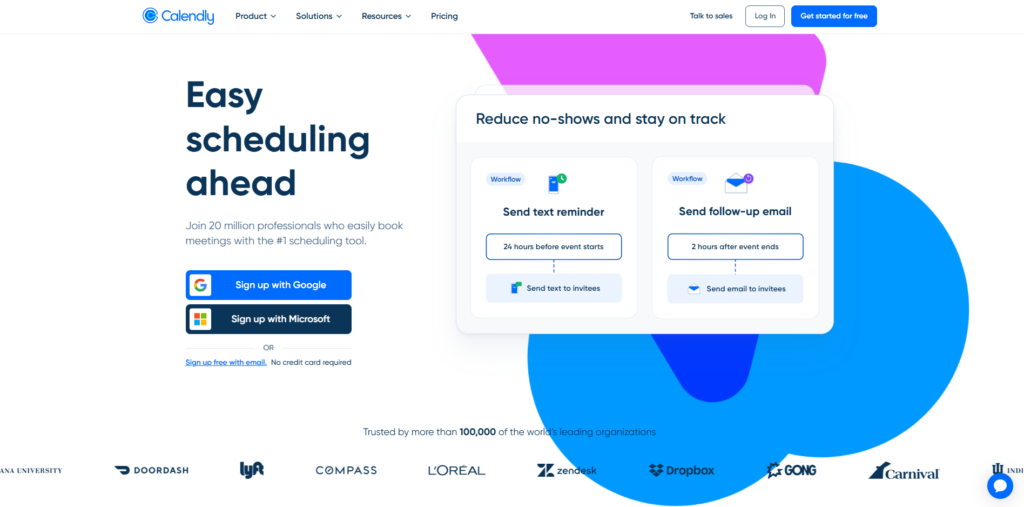
- Calendly — Still the easiest pure meeting scheduler. The free plan is solid for most individuals.
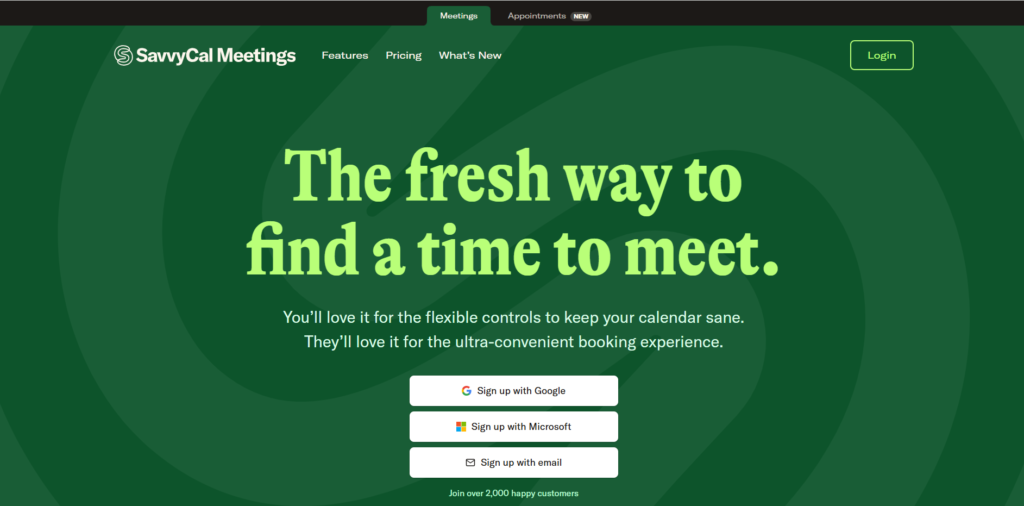
- SavvyCal — A Calendly alternative with more flexibility for the person being booked, including overlapping availability views.
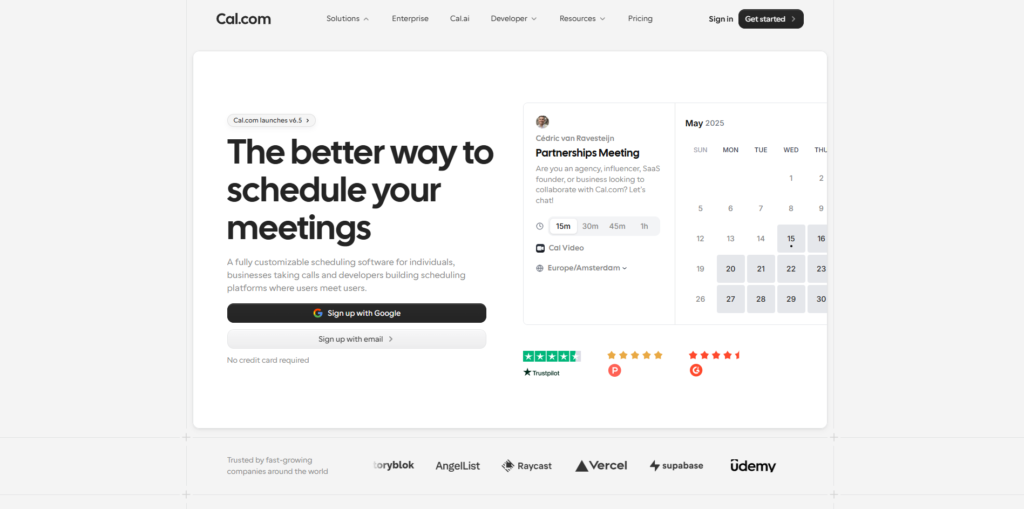
- Cal.com — Open-source, privacy-friendly scheduling with strong integration options and a self-hosted path.
Keep the distinction clear: these are scheduling links, not scheduling brains. They handle booking — they don’t protect or optimize your time.
The Mistakes That Sink People Before They Even Start
Getting the tool right is only part of the equation. Here are the four mistakes that consistently trip people up.
Mistake 1: Expecting the tool to discover your tasks. None of these tools know what you need to do unless you tell them. If your to-do list is buried in your email and Slack, solving the calendar problem is downstream of the real problem. Build your capture system first.
Mistake 2: Over-scheduling yourself. Motion in particular can pack your day so efficiently that there’s zero buffer for the unexpected — and the unexpected always shows up. Leave 20–30% of your day intentionally unscheduled. The goal isn’t a perfect calendar. It’s a resilient one.
Mistake 3: Using Motion when you need Reclaim — or the reverse. If you’re an employee at a large company trying to protect your time from meetings, Reclaim is likely your match. If you’re a freelancer or solo operator with heavy project loads and hard deadlines, Motion is built for you.
Mistake 4: Assuming free tools can’t deliver. Reclaim’s free plan is genuinely functional. Start there. Upgrade only when you’ve hit the ceiling of what the free plan provides.
“The tool is only 20% of the equation. The other 80% is the system you feed into it.”
Which AI Scheduling Assistant Should You Pick?
Here’s the decision tree, simplified.
Choose Motion if:
- You’re a solo professional, freelancer, or small business owner
- You have a clear task list but your calendar is constantly fragmented
- You want one tool that handles tasks, projects, and scheduling together
- You’re ready to invest approximately $19/month and commit to using the system
Choose Reclaim if:
- You work at a company with heavy internal meeting load
- You want to protect personal habits and focus blocks without switching calendars
- You want a free or low-cost option that layers onto what you already use
- You don’t need complex project management — just time defense
Choose Calendly or Cal.com if:
- Your only pain point is letting people book meetings with you
- You don’t need task automation — just a clean, reliable scheduling link
A Mini Case Study: The Freelance Consultant
Consider a freelance UX consultant managing three active client projects. Every week started with good intentions but ended with tasks pushed from Monday to Friday and no meaningful progress on any single project.
After switching to Motion, every task got a deadline and a time estimate. Motion placed them automatically around a fixed client call schedule. Within two weeks, no task had been pushed more than 24 hours. The calendar went from reactive to structured — not because of discipline, but because the system made it structural.
The same result is achievable without Motion, given the right process — but the manual version requires daily planning that most people won’t sustain consistently.
Frequently Asked Questions
What is the best AI scheduling assistant for a solo freelancer in 2026?
Motion is generally the strongest fit for solo freelancers because it combines task auto-scheduling, deadline awareness, and a built-in meeting scheduler in one tool. It works best when you have a clear task list and need the AI to find and protect the time to execute it.
How is an AI scheduling assistant different from a regular calendar app?
A standard calendar app holds events you manually place. An AI scheduling assistant actively allocates your tasks and focus blocks based on priorities, deadlines, and existing commitments — and reshuffles automatically when something changes.
Is Motion worth the monthly cost for someone building a side hustle?
Motion’s value depends on how much time fragmentation is costing you. If lost or wasted hours are slowing your income-building work, the Pro plan at approximately $19/month can pay for itself quickly in recovered productive time — but results depend on how consistently you use and maintain it.
Can I use Reclaim AI for free?
Yes. Reclaim offers a free plan with genuinely useful features including habit scheduling and focus time block protection. It’s a strong starting point before committing to a paid tier.
What happens if I have tasks in Slack and email — can these tools read them?
None of the main AI scheduling assistants — Motion or Reclaim — can read your inbox or Slack automatically. You’ll need to manually capture tasks into the tool. Some Reclaim integrations (Asana, ClickUp, Jira) pull tasks directly, which reduces that friction for teams already using those platforms.
What's the difference between Motion and Calendly?
Motion is a full AI scheduling and task management system. Calendly is a meeting booking link — it lets others schedule time with you but does nothing to manage your workload or protect your focus time. They solve different problems and can be used together.
Should I start with a paid plan or a free tier?
Start with the free tier whenever one is available — Reclaim offers solid free plans. Evaluate whether you’ve hit the ceiling of the free plan’s functionality before upgrading. Don’t pay for complexity you haven’t grown into yet.
Is This Worth It?
An AI scheduling assistant is genuine leverage — but only if you give it something solid to work with. If your tasks are scattered across your inbox, Slack, and memory, the tool will schedule that chaos more efficiently. Which is still chaos. The real unlock comes when you combine a consistent weekly capture habit with a tool built for your specific situation: Motion for solo operators with task-heavy workloads, and Reclaim for employees guarding focus time. None of them are magic. All of them reduce the daily decision load of when to work — which frees your actual attention for what to work on. Start with the right tool, feed it an honest task list, and let the AI handle the rest.
⚠️ Affiliate Disclosure: This post contains affiliate links to tools we have tested or would genuinely use ourselves. If you sign up through our links, we may earn a small commission at no extra cost to you.
Start Your Income Stack Today
📝 Download the free Income Stack Starter Checklist — the PDF helps you choose one realistic income stack and take your first step this week. No overwhelm. No guessing. Just a clear action plan.
Stop searching, start building. Get ready to take the FREE 5-Day Digital Product Challenge. This challenge helps you move past the “I need to figure out hosting first” barrier and actually create something valuable.
🎯 Want the best insights delivered straight to your inbox, subscribe to our weekly newsletter — no spam, just weekly actionable strategies to help you grow your income stack.
Want more? Here is where to find us:
If this resonated with you, come join the community across all our platforms. Subscribe to our YouTube channel ‘The Income Stack Lab’ for weekly videos on AI tools, automation workflows, and income experiments. Follow us on X, Instagram, TikTok, LinkedIn and Facebook for bite-sized tips, behind-the-scenes updates, and daily inspiration to keep building.
Enjoying the content? Buy me a coffee— fuel the lab, keep the ideas flowing.
Your future self will thank you for starting today. Happy Stacking!